
The problem
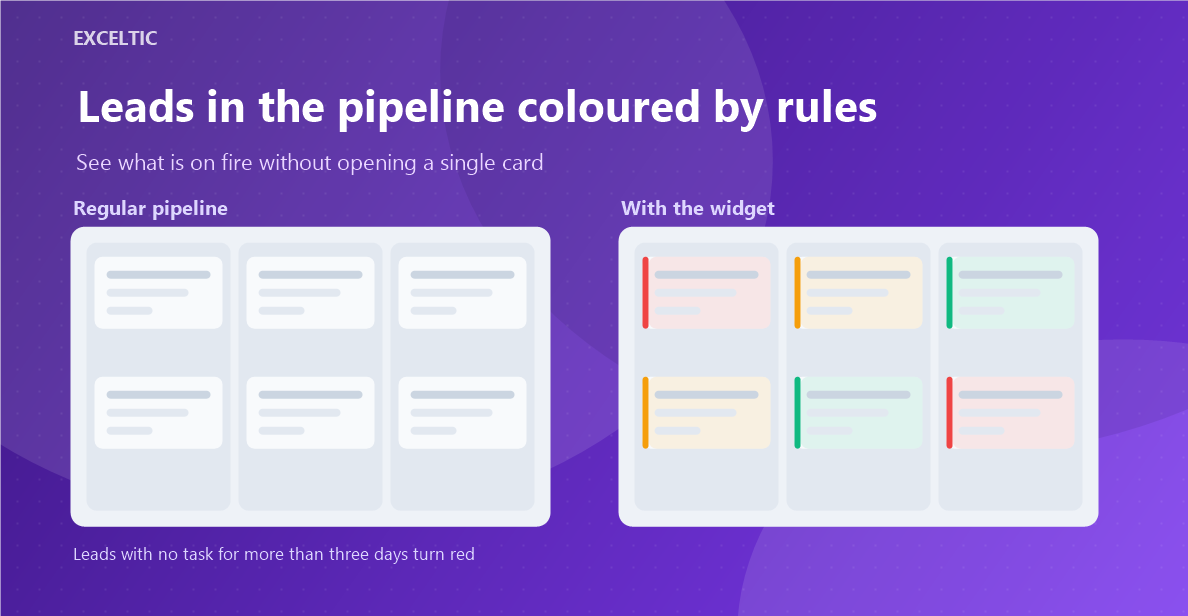
A pipeline of a hundred cards looks uniformly grey. An overdue million-dollar lead and a fresh two-thousand request take up the same space, and the only way to decide which to grab is to open cards one by one. A manager sees nothing from such a board: understanding what is on fire takes a report or a manual walk through the leads.
What the widget does
The widget colours card backgrounds by the rules you set. A condition, a colour, an order - and the pipeline reads at a glance: red now, grey later. The rules work both on the kanban board and in the table list.
What you get
- Conditions: stage, amount, tag, days with no task, days since created, responsible user
- The value of any lead field; list fields offer their own options to choose from
- Each rule has its own colour, picked with a colour picker
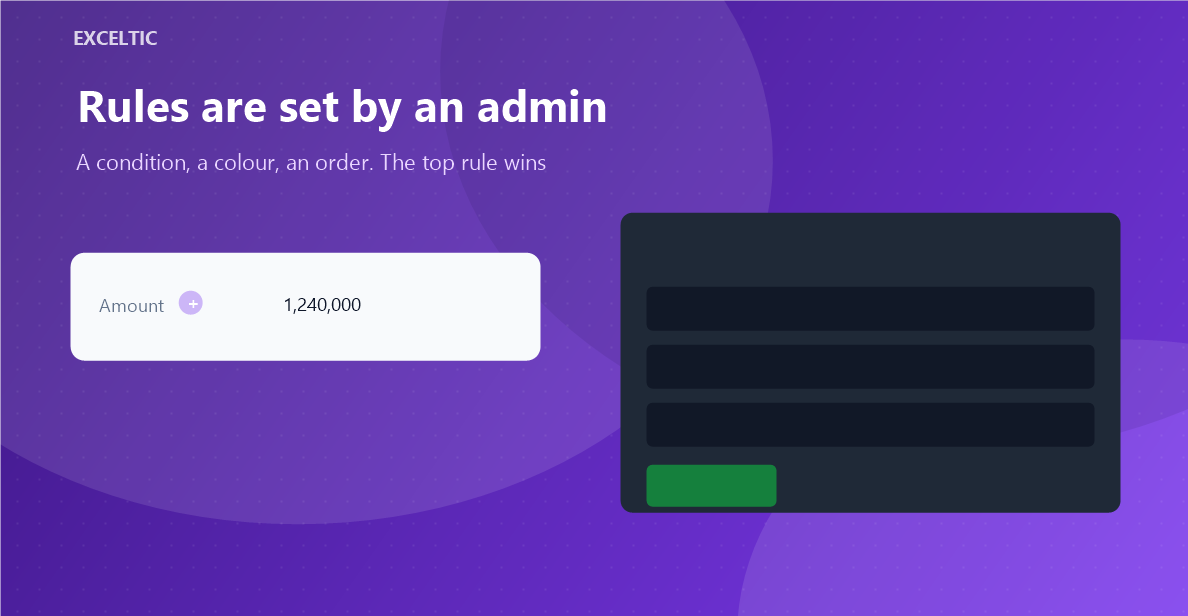
- Priority comes from the order: the first matching rule from the top wins
- The order is changed by dragging a row
- Rules are created by an admin, everyone else sees the result
Where it works
- Kanban - the leads pipeline
- Table list view of leads
How to install
- In your Kommo account open Settings, then the Integrations section.
- Find the widget by name and click Install.
- In the window that opens press the green Enable button. Until it is pressed Kommo does not attach the widget to the account pages.
- That is it. The same button later reads Save: press it after every change in the settings.
Works in Kommo and in amoCRM.
Frequently asked questions
Who can change the rules?
Only account admins. The right is verified by our server against Kommo data, not by the browser.
What happens if two rules match the same lead?
The one higher in the list wins. The order of rules is the priority, and it is changed by dragging.
Will the widget slow the pipeline down?
No. Rules on stage, amount, tag and tasks are evaluated against what is already rendered on the page. Account data is requested only when a rule uses a field, the responsible user or the age of a lead, and at most once a minute.
What happens when the subscription ends?
The colouring switches off and cards return to their normal look. The widget changes nothing in your Kommo data.