
The problem
A lead jumps half the pipeline: from a new lead straight to an invoice, skipping qualification and the proposal. After that the stage report shows imagination rather than work. Kommo does not check the order: anyone drags a card into any column, and rights are cut by whole pipelines, not by the moves inside them.
What the widget does
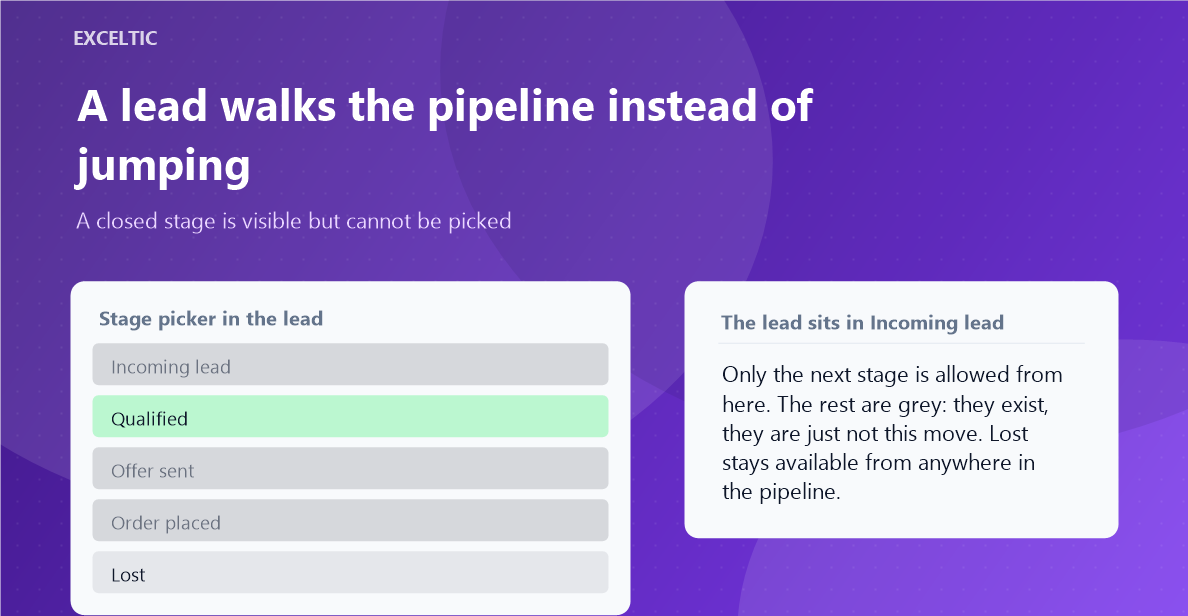
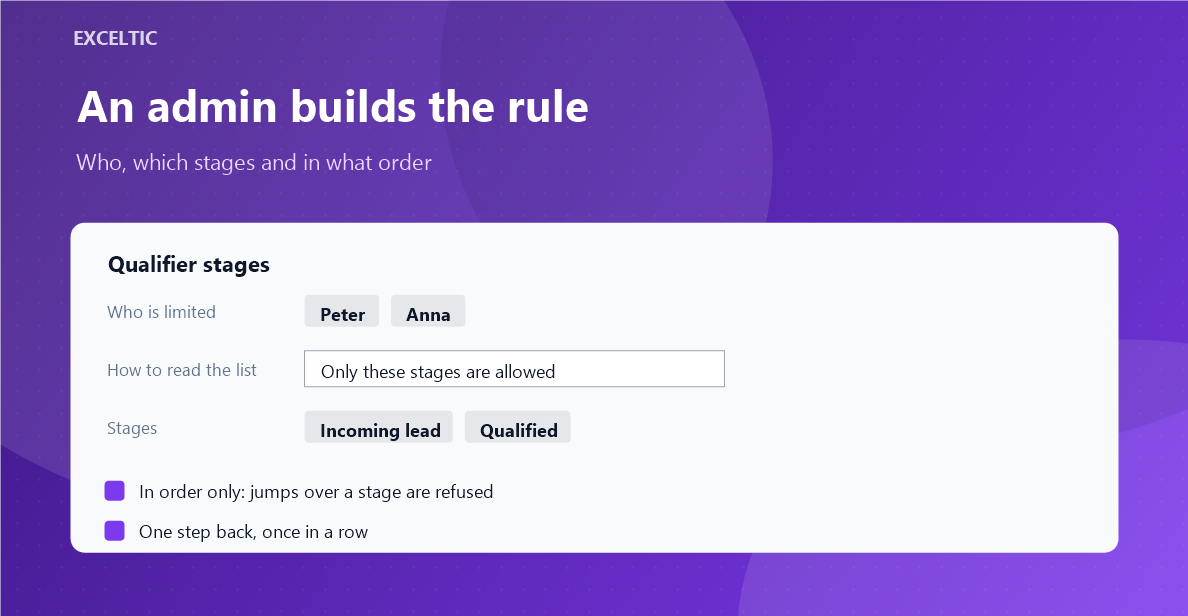
A rule says which stages are closed for whom and, if you want it, demands going one by one without jumps. A forbidden stage is visible but cannot be picked, neither in the card nor by dragging on the kanban. Anyone not listed in a rule works as before.
What you get
- The list of stages reads two ways: these are forbidden, or only these are allowed.
- Strict order: the next stage is the neighbouring one, a jump over a stage does not pass.
- One step back is allowed once in a row, to fix a mistake rather than rewind the pipeline.
- Lost stays reachable from anywhere: it is an industry standard and we do not break it.
- Dragging on the kanban stops in the same place as the stage picker in the card.
Where it works
- Lead card
- Kanban
How to install
- In your Kommo account open Settings, then the Integrations section.
- Find the widget by name and click Install.
- In the window that opens press the green Enable button. Until it is pressed Kommo does not attach the widget to the account pages.
- That is it. The same button later reads Save: press it after every change in the settings.
Works in Kommo and in amoCRM.
Frequently asked questions
What does a rep see when a move is forbidden?
The stage stays in place but does not get picked, and a notice explains why: the current stage and the one allowed next. It fades after five seconds and the countdown pauses on hover.
Is the admin limited too?
Only if you added them to a rule yourself. The widget limits the people listed in it and nobody else.
What about a bot or another integration moving the lead?
Those moves are untouched: the widget works in the interface, in a person browser. Kommo automations and external calls go through as usual.
Can closing a lead be forbidden?
Won can be, Lost cannot. Sending a lead to Lost has to be possible from anywhere, otherwise a rep is locked in a stage and breaks the statistics by going around.