
The problem
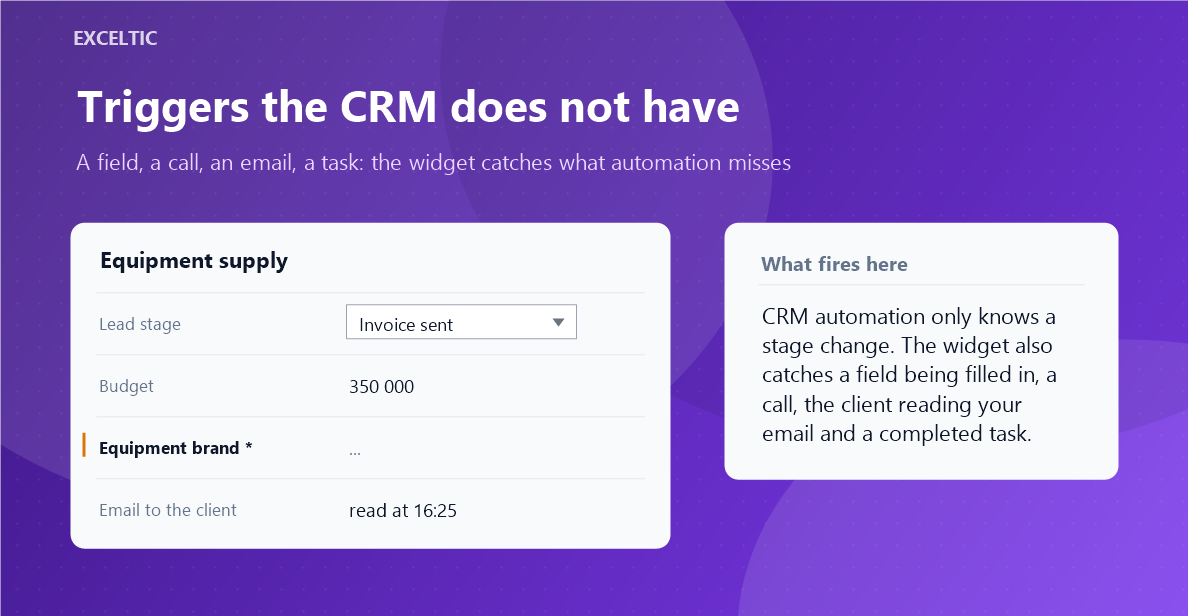
Built-in automation knows one trigger: a lead created in a stage or moved into it. Everything else has to be propped up with helper stages, and the pipeline turns into a pile of technical statuses that no longer reads as sales.
What the widget does
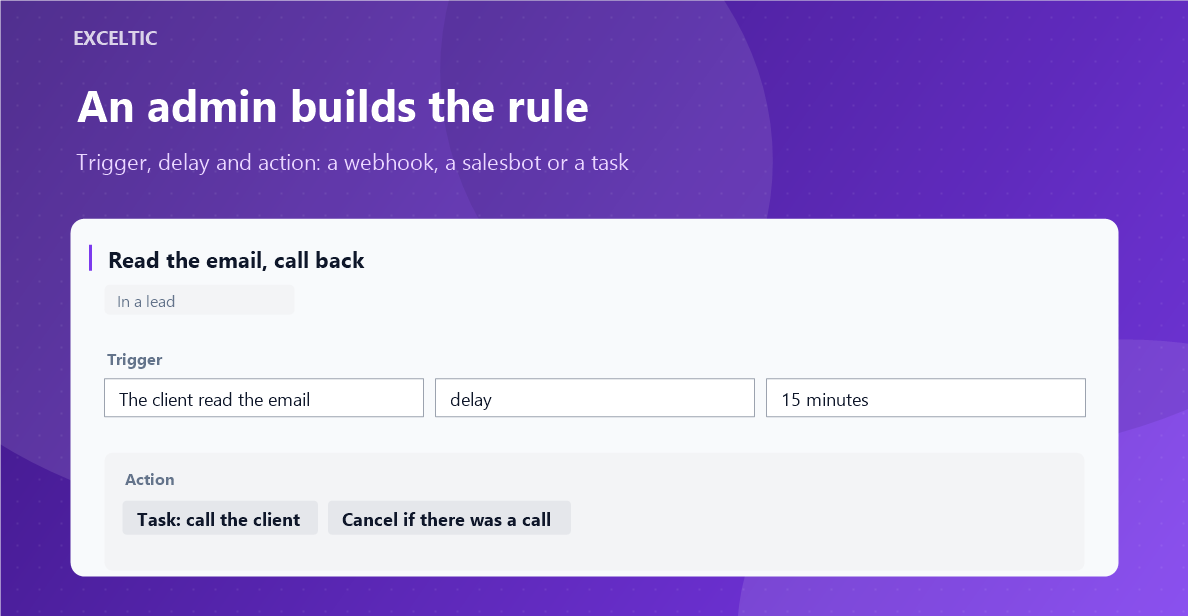
The widget adds the triggers the system does not have: a field filled in or changed, a call, an email, an SMS, a chat message, an email read, a task completed, a tag, a link between cards. In response it sends a signed webhook with retries, runs a salesbot or creates a task for the owner. It works on our server, with no browser open.
What you get
- A trigger on any lead, contact or company field, with a before and after check
- A call, an email, an SMS, a chat message and an email read
- A task completed, a result added, a due date changed
- The action: a signed webhook with retries, a salesbot or a task
- A delayed action that is cancelled if the rep reacted first
- Conditions: pipeline and stage, owner, tags, field value, working hours
- A dry check against the last 24 hours before turning the rule on
Where it works
- Leads, contacts and companies
- The widget page: rules and the journal of runs
How to install
- In your Kommo account open Settings, then the Integrations section.
- Find the widget by name and click Install.
- In the window that opens press the green Enable button. Until it is pressed Kommo does not attach the widget to the account pages.
- That is it. The same button later reads Save: press it after every change in the settings.
Frequently asked questions
How is this different from the automation in the CRM?
Built-in automation knows one trigger: a lead created in a stage or moved into it. Here the trigger can be a field, a call, an email, a task, a tag or a link between cards.
Why delay an action?
To avoid a pointless task. The rule waits for the pause you set and cancels the action if the rep called, replied in the chat or moved the stage in the meantime.
Can a rule be checked before it is switched on?
Yes. The widget replays it over the last 24 hours and shows how many times it would have fired, changing nothing.
Which CRM plan is required?
Advanced or higher: the event subscription over the API is available only there.