


The problem
A lead card is built for every service at once. The installation rep scrolls past delivery fields, the delivery rep scrolls past installation fields, and both fill in the wrong ones. You cannot remove the clutter: another team needs it. Training comes down to "do not touch those fields", and new hires touch them anyway.
What the widget does
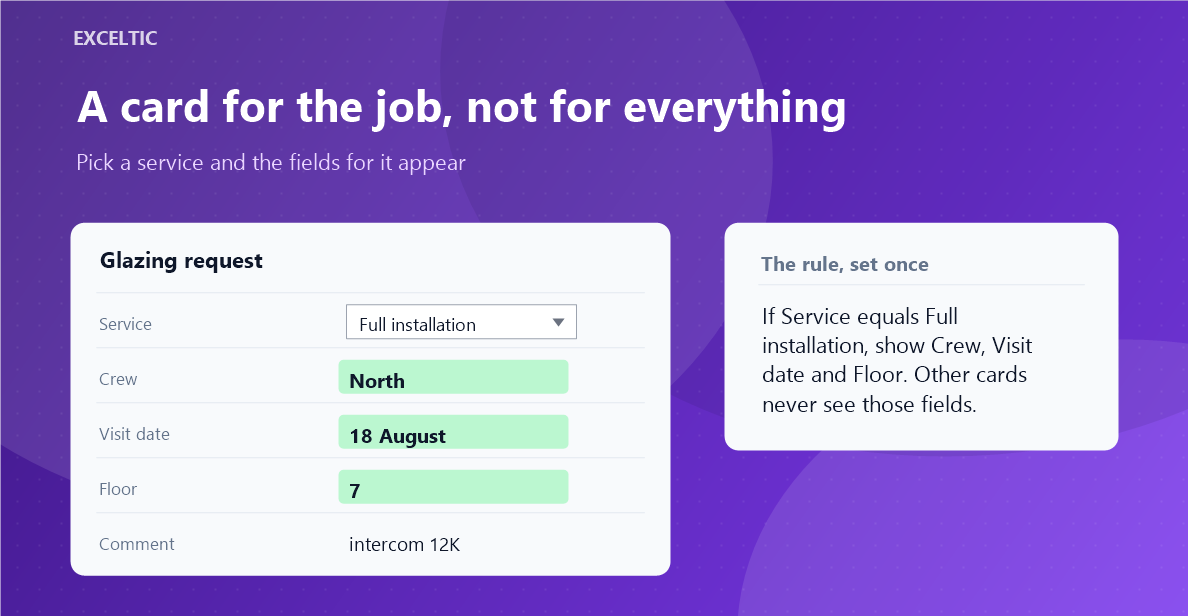
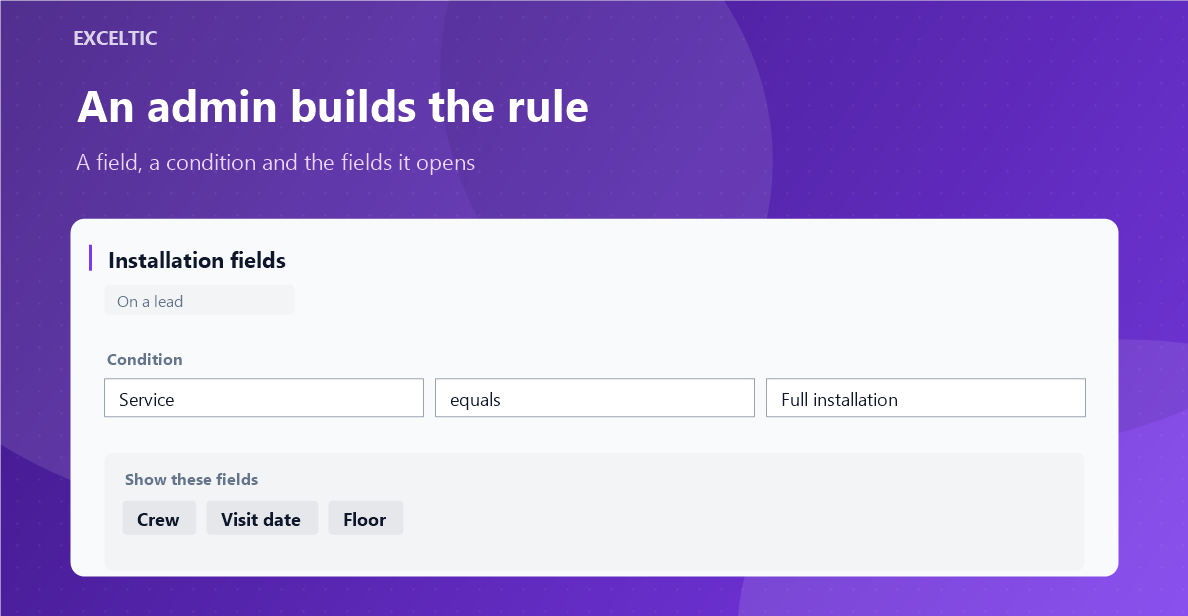
The widget shows fields by the value of another field. Pick a service and the fields for it appear; clear the toggle and they go away. A rule names a field, a condition and the fields it opens. No helper trigger fields and no markers inside field names, the way competitors do it.
What you get
- Conditions: equals, does not equal, contains, does not contain, more, less, filled, empty
- A list offers its own options, a toggle offers its two states
- One field can be opened by several rules: any match shows it
- A field and its rule share a coloured stripe, and you pick the colour
- A field that appears lights up for a second, so the change is noticed
- A hidden field keeps its data: put the value back and everything is there
- Fields not named in any rule stay visible always
- Rules are set by an admin, everyone else just sees the result
Where it works
- Lead card
- Contact card
- Company card
How to install
- In your Kommo account open Settings, then the Integrations section.
- Find the widget by name and click Install.
- In the window that opens press the green Enable button. Until it is pressed Kommo does not attach the widget to the account pages.
- That is it. The same button later reads Save: press it after every change in the settings.
Works in Kommo and in amoCRM.
Frequently asked questions
Does a hidden field lose its data?
No. The widget hides the row in the interface and never writes or clears anything. Put the old value back into the source field and the hidden field returns with its content. Switching the widget off shows everything at once.
What do cards where the rule did not fire look like?
Like an ordinary card. The widget hides only what the rules name, and only while the condition is unmet. Fields that appear in no rule are always visible.
Can fields appear for several values at once?
Yes, create two rules over the same fields and give them the same colour. A field opens when at least one rule matches.
Do I need helper fields?
No. The source can be any field on the card: a list, a toggle, a number, text. A dedicated trigger checkbox and markers inside field names are not needed.