
The problem
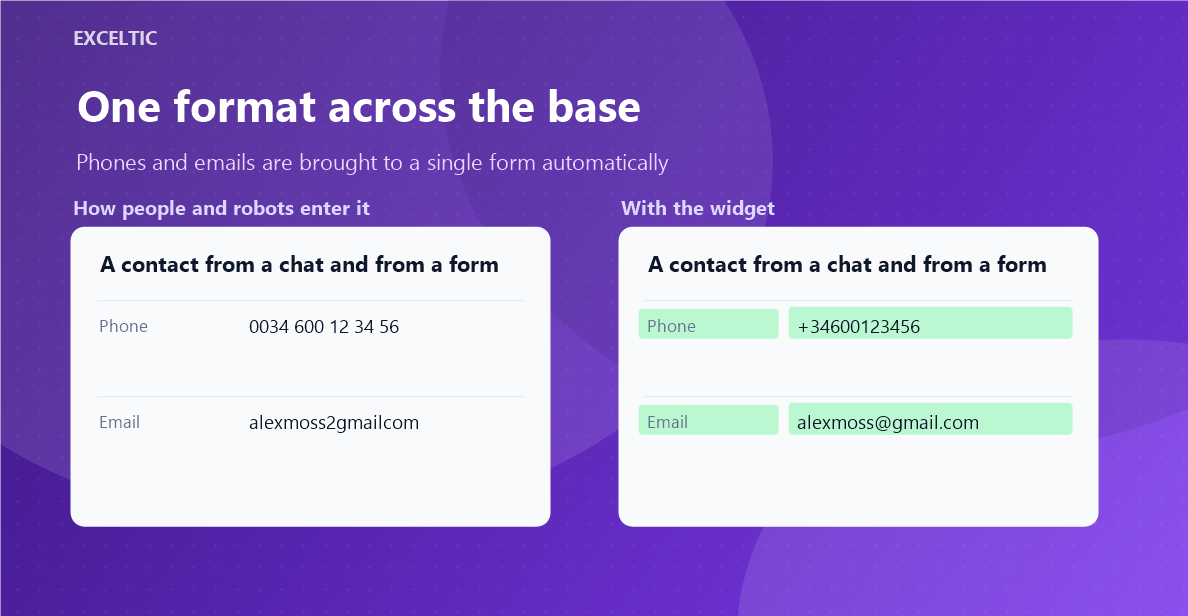
The same client sits in the base in three shapes at once, and the email arrives capitalised, with a trailing space, or with a keyboard slip - alexmoss2gmailcom instead of alexmoss@gmail.com. A search by that number finds nothing, the email goes nowhere, and duplicates grow on their own: the system cannot tell it is the same person.
What the widget does
The widget brings phones and emails to a single form on its own, without a rep lifting a finger. It catches every contact and company created or edited - including the ones from chats, forms and imports - and turns the number into the international format and the email into a working address. Keyboard slips are fixed; anything it cannot read is left alone and flagged with a note on the card.
What you get
- Phones matched against the numbering plans of 245 countries
- Emails: case, spaces, a comma or a slash instead of a dot, a missing dot
- Typos in well-known domains: alexmoss2gmailcom becomes alexmoss@gmail.com
- Repeated values inside one field collapse into one
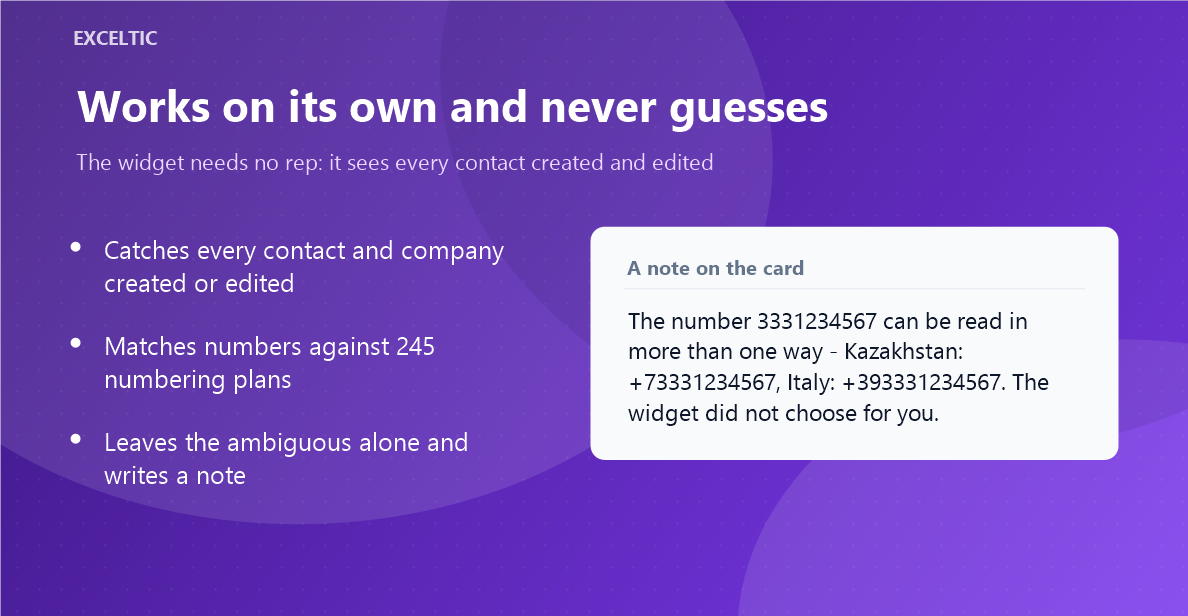
- An ambiguous number is left as it is, with a note listing the readings
- The existing base is cleaned up by a button, in batches, without a load spike
Where it works
- Contact card
- Company card
- The flow from chats, forms, imports and other integrations
How to install
- In your Kommo account open Settings, then the Integrations section.
- Find the widget by name and click Install.
- In the window that opens press the green Enable button. Until it is pressed Kommo does not attach the widget to the account pages.
- That is it. The same button later reads Save: press it after every change in the settings.
Works in Kommo and in amoCRM.
Frequently asked questions
Can the widget break a number?
It never rewrites what it is unsure about. A number without a country code is only matched against the countries you marked as priority. If it fits several of them or none, the widget leaves it alone and writes a note.
Why do I need to pick priority countries?
A number without a country code does not say which country it belongs to: the same digits can be valid in several countries at once. The list of countries your clients come from removes that ambiguity.
What about the numbers already in the base?
New and edited contacts are fixed automatically. For what piled up there is a clean-up button: it walks contacts and companies in batches so it does not hit the Kommo limits, and shows the progress.
Will it break my messenger integrations?
No. WhatsApp and other channels write the number in the international format - exactly the one the widget produces. Those contacts are left untouched.