
The problem
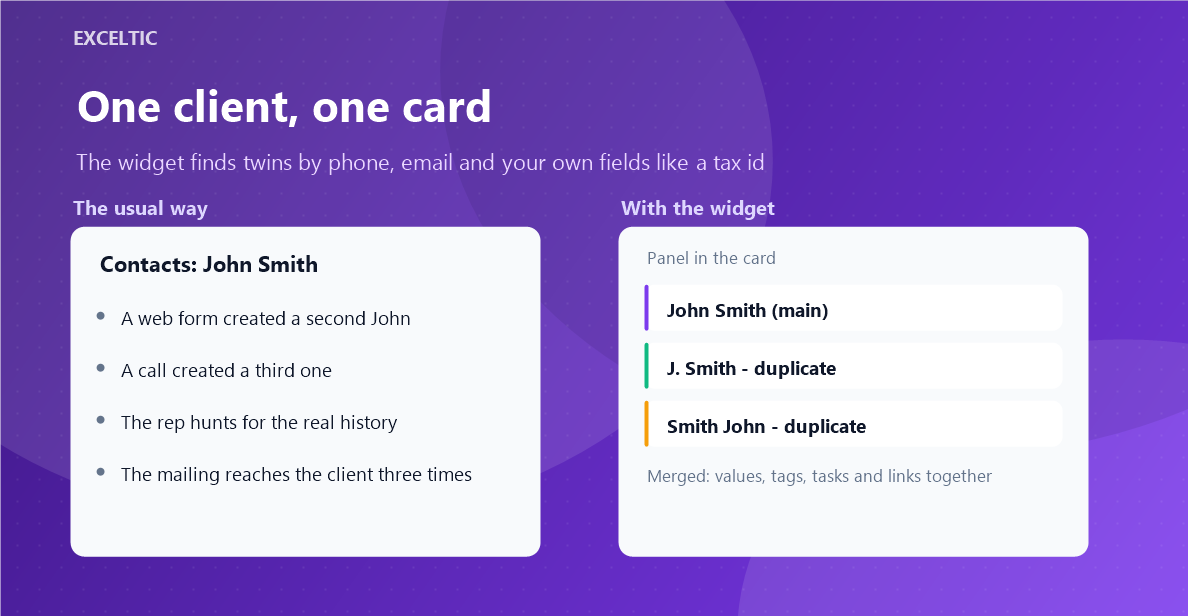
Duplicates appear on their own: the client filled the form twice, called from another number, a rep created a card by hand, an import brought an old base in. After that the client history splits between two cards, the mailing reaches them three times, and reps argue whose client it is.
What the widget does
The widget looks for twins by phone (the last ten digits, the format does not matter), by email regardless of case, and by your own fields such as a tax id. You choose the logic: any field matches, or all of them. In the card the twin and its owner are shown right away, and the accumulated base is walked through by a run on our server.
What you get
- Search by phone, email and your own fields, with the logic you choose
- Exceptions for a shared office number and mailboxes like info@
- A name similarity threshold so that namesakes are never merged
- A run over the whole base with a preview of what would be merged
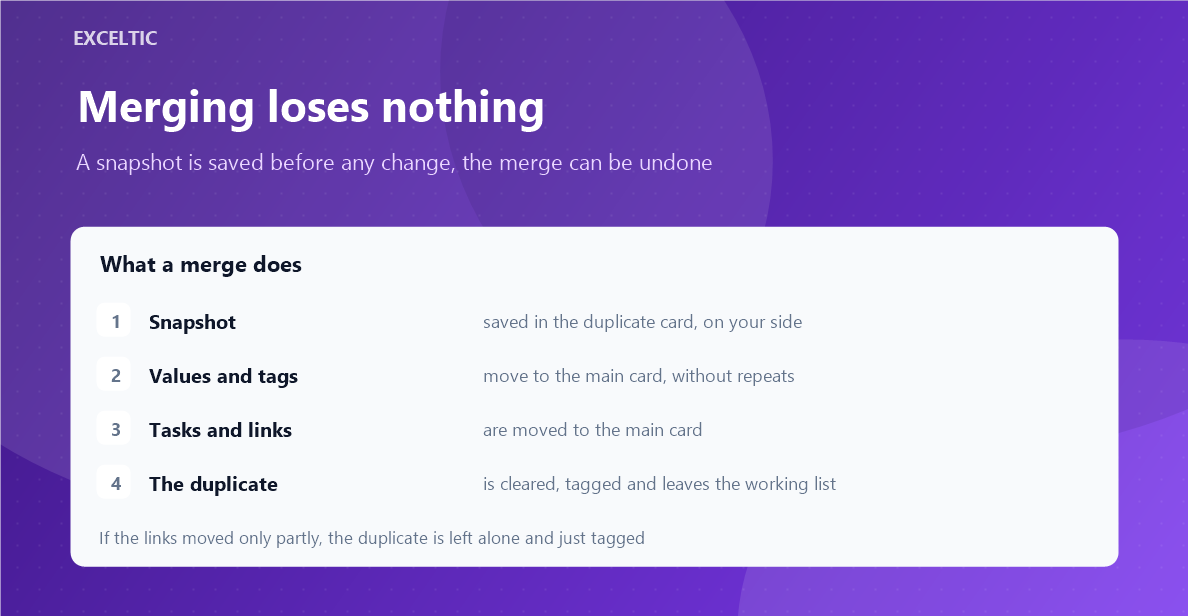
- On merge, values, tags, tasks and links move to the main card
- A snapshot stays in the duplicate card, so a merge can be undone
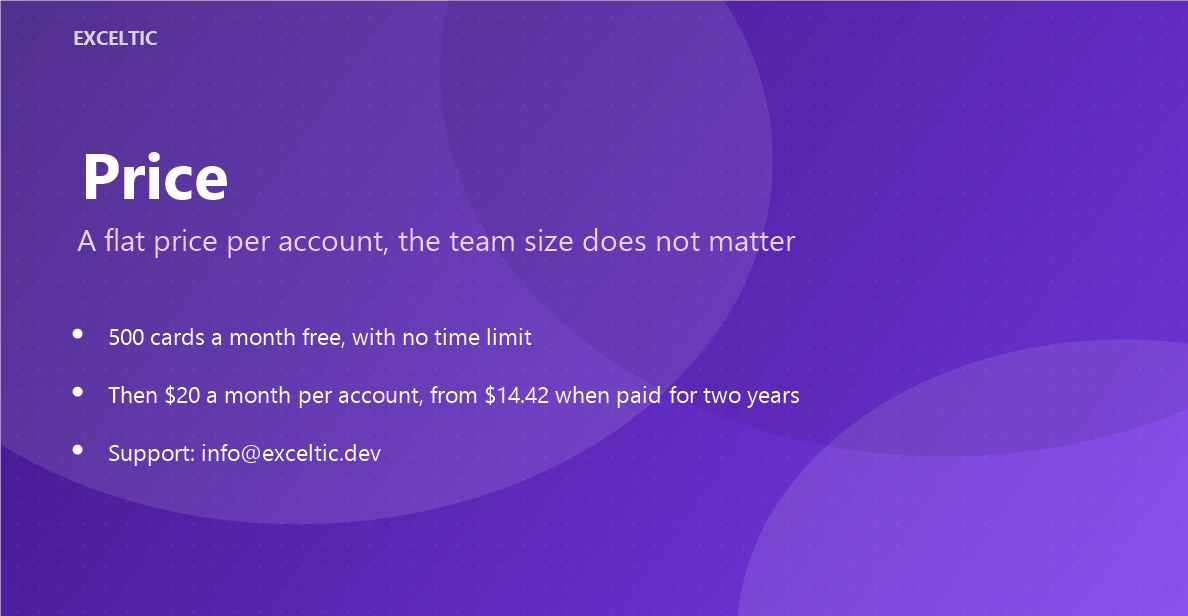
- Five hundred new cards a month are free, paying removes the limit
Where it works
- Lead, contact and company cards
- Lead, contact and company lists
- The widget page: the run over the base and the journal
How to install
- In your Kommo account open Settings, then the Integrations section.
- Find the widget by name and click Install.
- In the window that opens press the green Enable button. Until it is pressed Kommo does not attach the widget to the account pages.
- That is it. The same button later reads Save: press it after every change in the settings.
Works in Kommo and in amoCRM.
Frequently asked questions
What if the wrong cards were merged?
A merge can be undone. Before any change the widget saves a snapshot and puts it into the duplicate card inside your own account.
Will it merge namesakes who share the office phone?
Not if you add that number to the exceptions and keep the name similarity threshold. Shared numbers and mailboxes like info@ are exactly what the exception list is for.
What counts towards the free 500 cards?
New cards checked within a calendar month. The counter and the reset date are shown on the widget page, and paying removes the limit and opens bulk runs.
Does a browser have to stay open?
No. The run over the base happens on our server; it can be stopped and continued later.