

The problem
A rep opens a card and sees a field whose purpose is clear only to whoever created it. Which format for the contract number, where to take the delivery address from, what counts as the lead amount: no answer anywhere. Some fill it in however they like, some leave it empty, some go and ask. Six months later the report holds data that cannot be compared, and a new hire spends their first week finding out what was never written down.
What the widget does
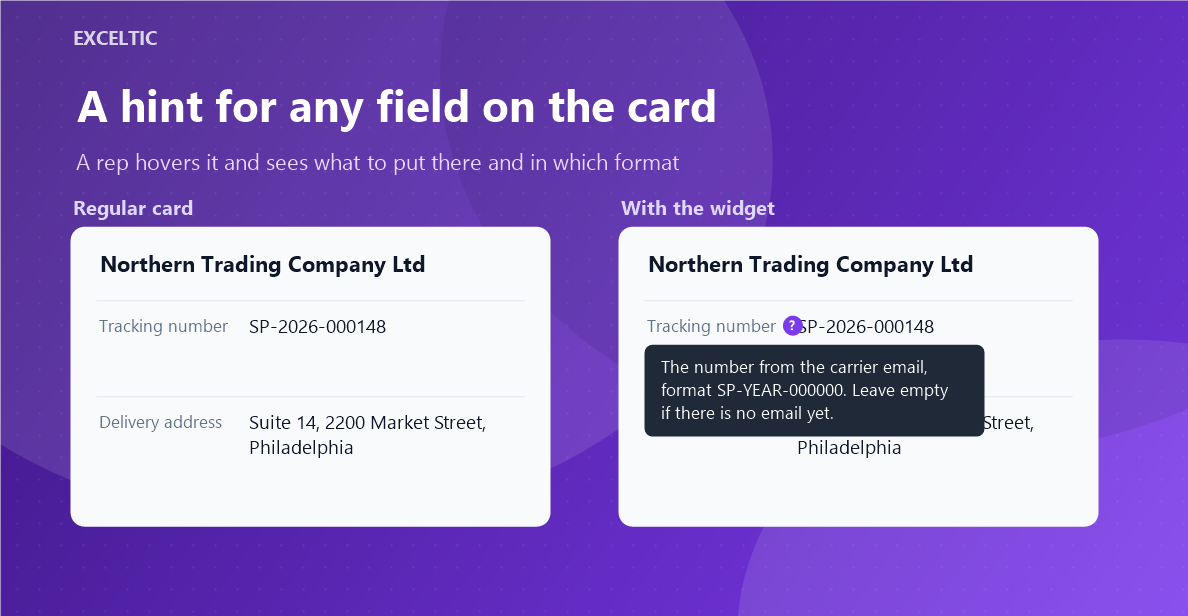
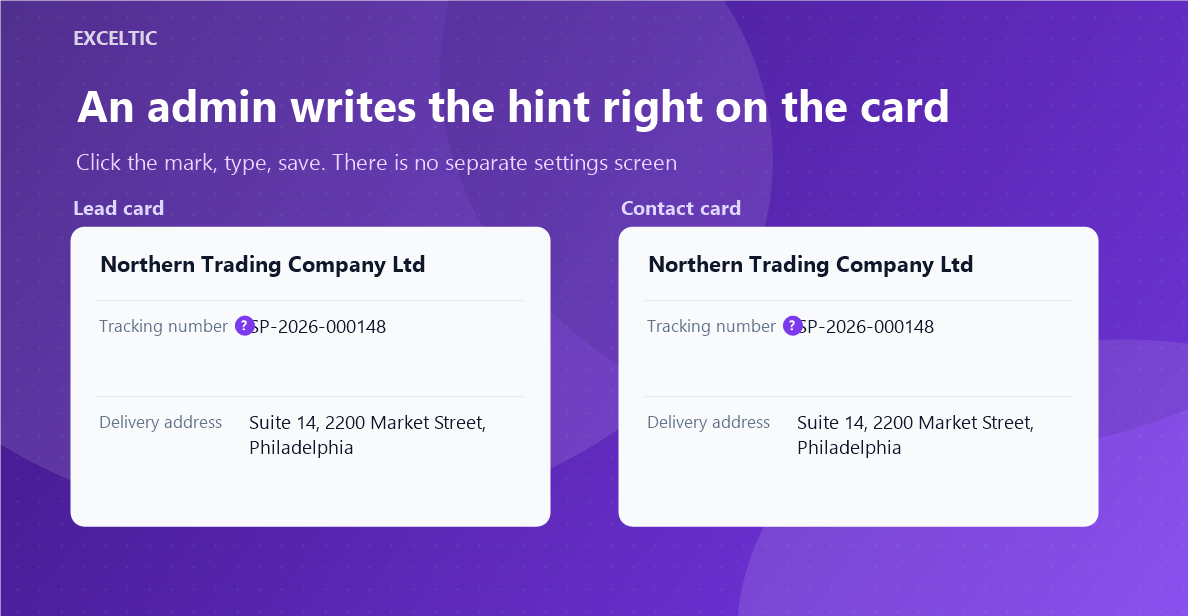
The widget adds a small mark next to the field name. Hover the field row and the explanation appears right there, with no trip to a help page and no question in chat. An admin writes the text on the card itself: click the mark, type, save. There is no separate settings screen - editing happens where the field is.
What you get
- The hint appears on hovering the field row
- Text is written on the card, without going into settings
- Only account admins can edit, and Kommo confirms the right
- Works with every field type, including phones and emails
- Hints survive a reinstall: a copy is kept on our server
Where it works
- Lead card
- Contact card
- Company card
How to install
- In your Kommo account open Settings, then the Integrations section.
- Find the widget by name and click Install.
- In the window that opens press the green Enable button. Until it is pressed Kommo does not attach the widget to the account pages.
- That is it. The same button later reads Save: press it after every change in the settings.
Works in Kommo and in amoCRM.
Frequently asked questions
Who can add and change hints?
Only account admins. The right is verified by our server against Kommo data, not by the browser: passing someone else’s id to rewrite the whole team’s hints will not work.
What happens to the hints if the widget is reinstalled?
They stay. Widget settings in Kommo are wiped on reinstall, so a copy is kept on our server and the widget restores the texts from there after installation.
Will the widget slow the card down?
No. Hints live in the widget settings and are drawn together with the card. The widget contacts our server at most once an hour, not on every page load.
Which languages are supported?
The widget interface is translated into English, Spanish and Russian. The language follows the Kommo account language automatically.