
The problem
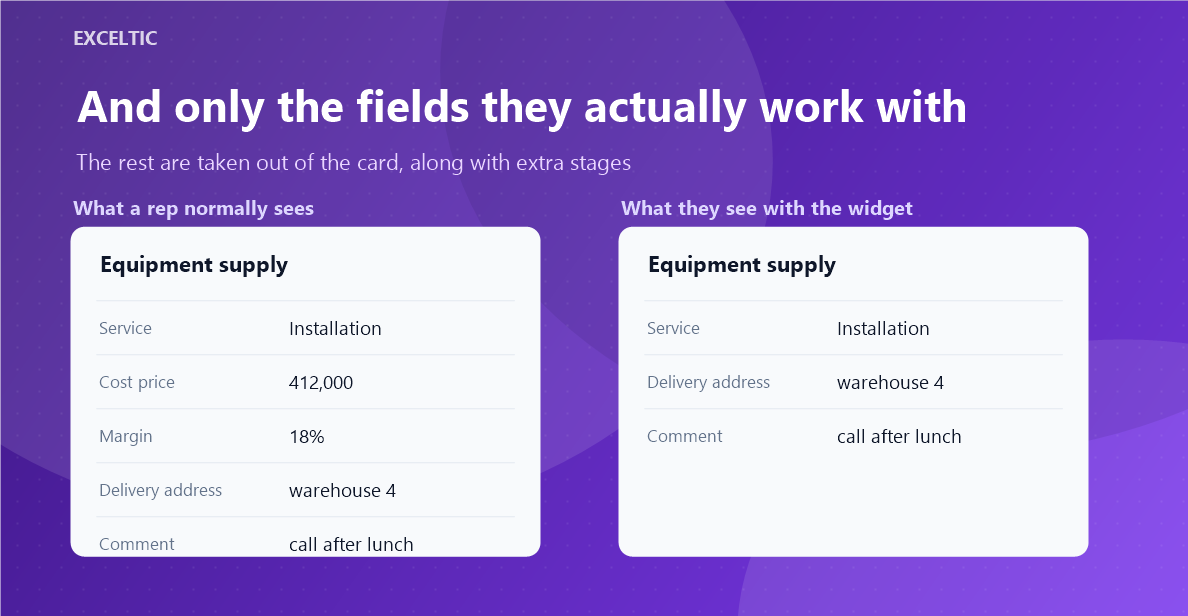
An account has six pipelines and a rep works with one. A card has forty fields and they need eight. The rest they scroll past every day, and along the way they see the cost price and the margin they have no business knowing. Kommo cannot take it away: its rights go by entity and stage, not by a single field or pipeline.
What the widget does
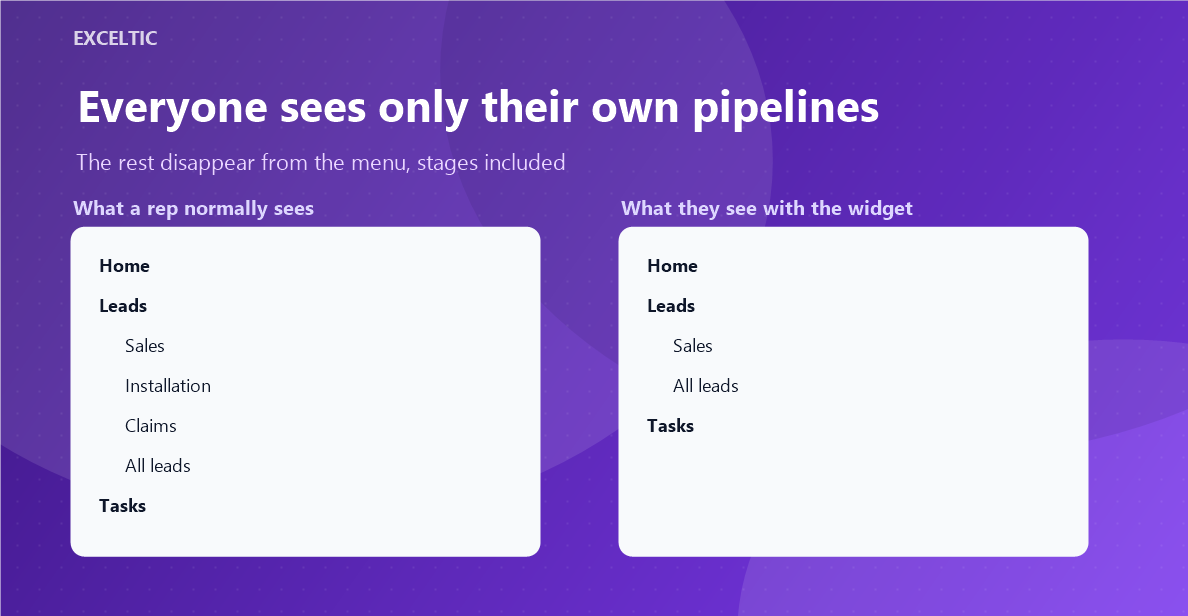
A rule says who should not see what. The chosen people stop seeing the listed pipelines, their stages and card fields, everyone else works as before. A hidden stage disappears from the kanban, from the stage picker inside the card and from the filter, so a lead cannot be moved there around the rule.
What you get
- A pipeline disappears from the left menu together with its stages.
- A stage goes away in three places at once: kanban column, stage picker in the card, filter checkbox.
- Fields are picked from three lists: lead, contact, company.
- As many rules as you need, each with its own list of people.
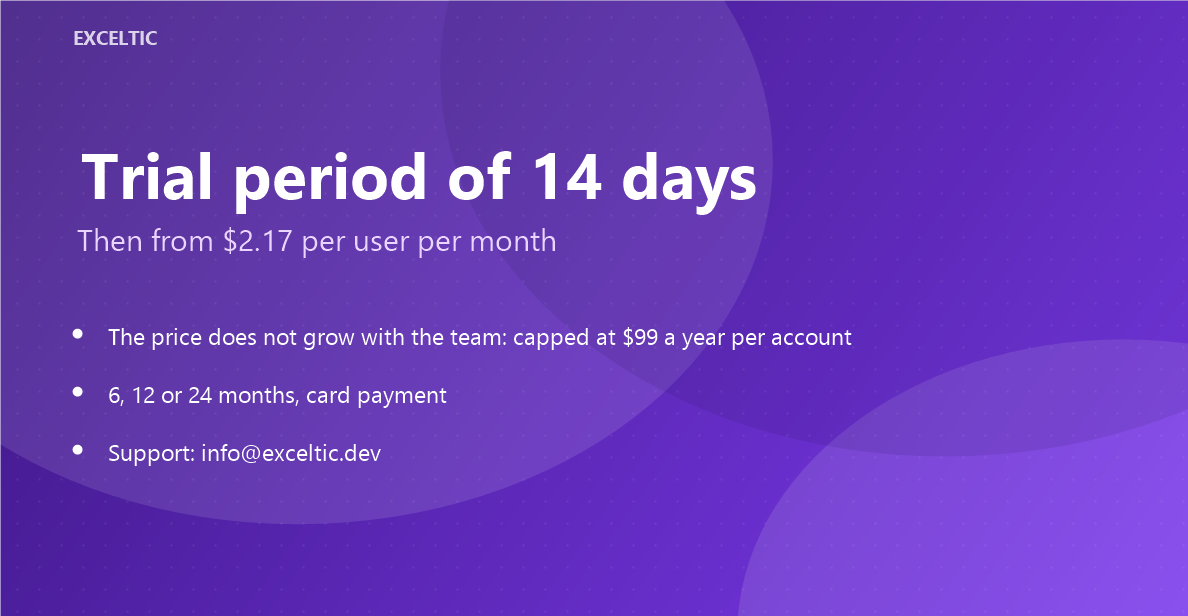
- The price does not grow with the team: $99 a year for the whole account, however many people work in it.
Where it works
- Left menu
- Kanban and lead list
- Lead, contact and company cards
How to install
- In your Kommo account open Settings, then the Integrations section.
- Find the widget by name and click Install.
- In the window that opens press the green Enable button. Until it is pressed Kommo does not attach the widget to the account pages.
- That is it. The same button later reads Save: press it after every change in the settings.
Works in Kommo and in amoCRM.
Frequently asked questions
Is this data protection?
No, and we will not claim it is. Kommo renders the card, field values reach the browser, and anyone with a console will read them. The widget takes clutter off the screen: it is order in the interface, not an access rule.
Why does hiding the company email also hide the contact one?
That is how Kommo works: phone and email for a contact and a company are the same field with the same id. There is nothing to tell them apart. Ordinary fields have unique ids and are hidden exactly.
Do leads in a hidden stage disappear?
No. The column is not shown, the leads stay in search, in the list and in reports. Hiding them everywhere would quietly break your statistics.
What if someone opens a hidden pipeline by a direct link?
It opens. The widget removes it from the menu and the kanban, but it does not block cards or URLs: this is not a permission system.
Who sets up the rules?
The account administrator. Everyone else sees the result, not the list of rules.